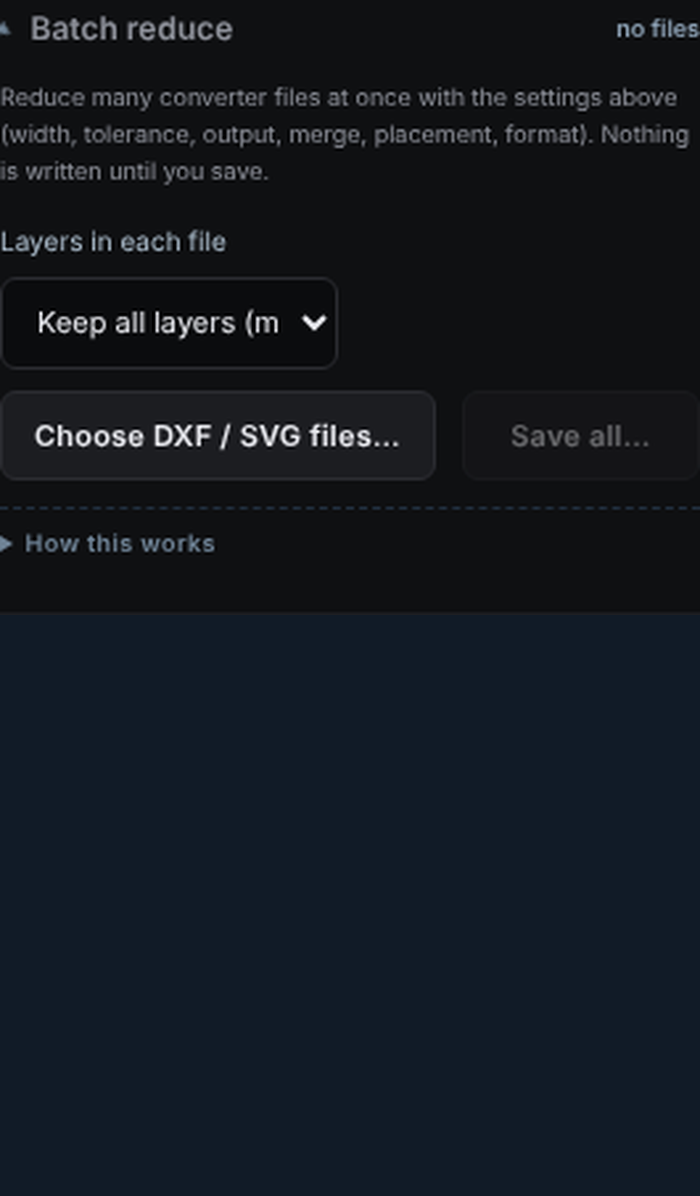
Batch reduce
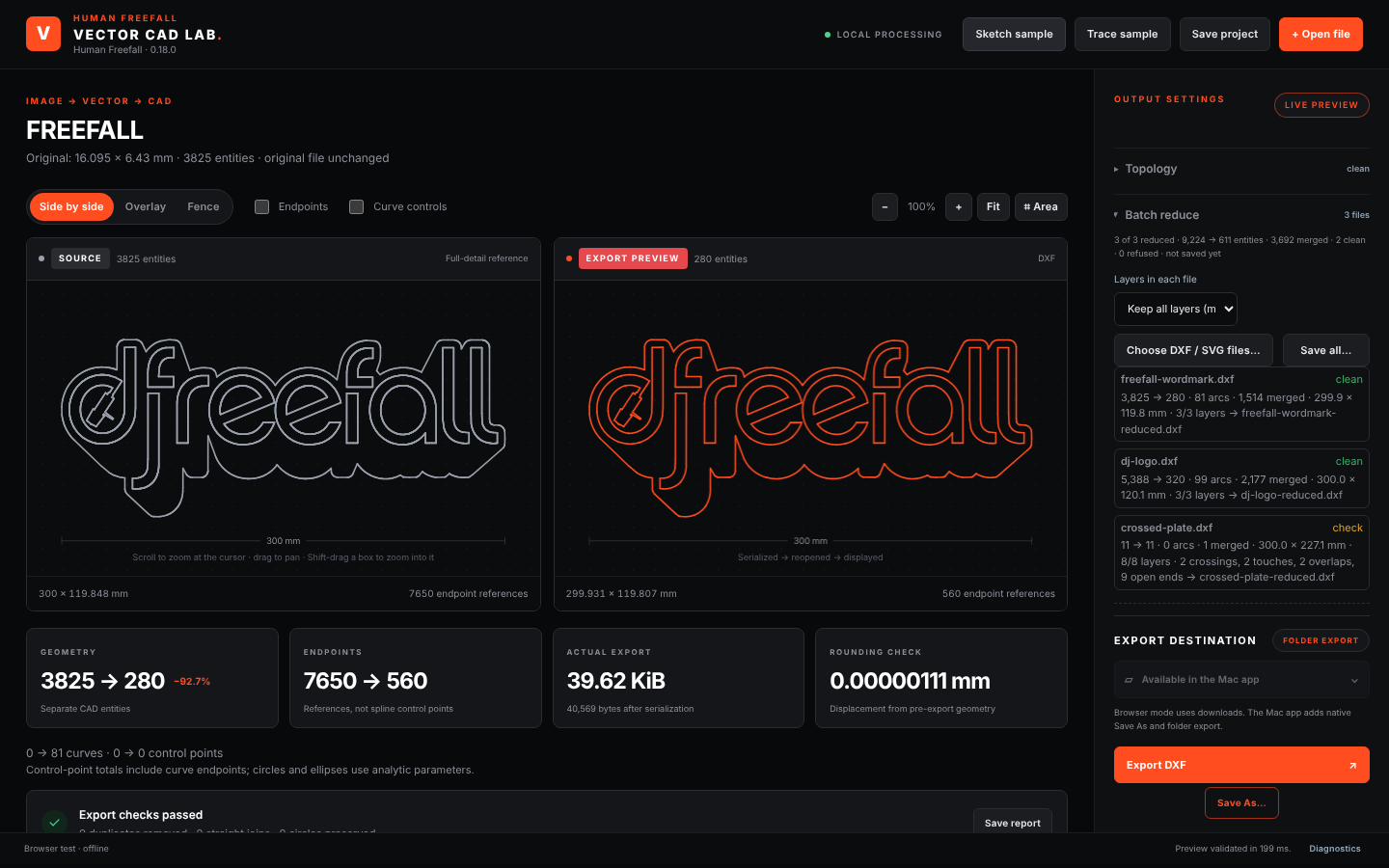
Drop a folder of converter files. Each gets name-reduced.dxf plus one summary sheet of counts and checks. Files the app can't process are listed with the reason, never half-written.
Vector CAD Lab takes the DXF a converter spat out, the logo you drew years ago, or a photo of a sketch — and hands Shapr3D or Fusion a clean outline. On your Mac and iPad, with nothing uploaded anywhere.
DXF or SVG from any converter, a PNG/JPG scan up to 40 megapixels, or a saved project.
Thousands of hairline segments become lines, arcs, circles and smooth curves within a tolerance in millimetres.
Every export is reopened and inspected: closed outlines, crossings, touches, open ends. Nothing is dropped to fit a number.
Export DXF or SVG for your CAD workflow. See the verified import results below. One preset, one click, same folder every time.
Set the real width once. The tolerance then means millimetres on the finished part, so a 600 mm sign and a 60 mm badge both come out with the detail they need and no more.
Converter colour layers stay separate shapes. Untick the ones you don't want in CAD, or keep only the outline with one tap.
Converters draw the edge between two colours twice — once in each colour's polygon. In CAD that means overlapping outlines that cross every few millimetres and never close.
Merge shared borders keeps that edge once and lets neighbouring regions share it, so a multi-colour logo becomes one planar sketch.
Free-form shapes are refitted with cubic curves that meet their neighbours tangentially and stay inside the tolerance at every vertex and between them. Straight runs stay straight, holes stay circles.
They export as DXF splines or SVG curves. The tested smooth-curve DXF imported into Shapr3D with zero unsupported layers. Extrusion of that output is not yet verified; Fusion spline import has not been tested.
A logo saved from Illustrator or Inkscape arrives as block references, multi-span splines and solid fills. Vector CAD Lab expands the blocks, converts every spline to exact Bézier spans by knot insertion (the curve does not change, so nothing is approximated) and keeps the fill outlines, dropping only the duplicates it can prove are duplicates.
What it will not do is guess: a rational curve or a periodic spline gets a plain message instead of a lookalike.
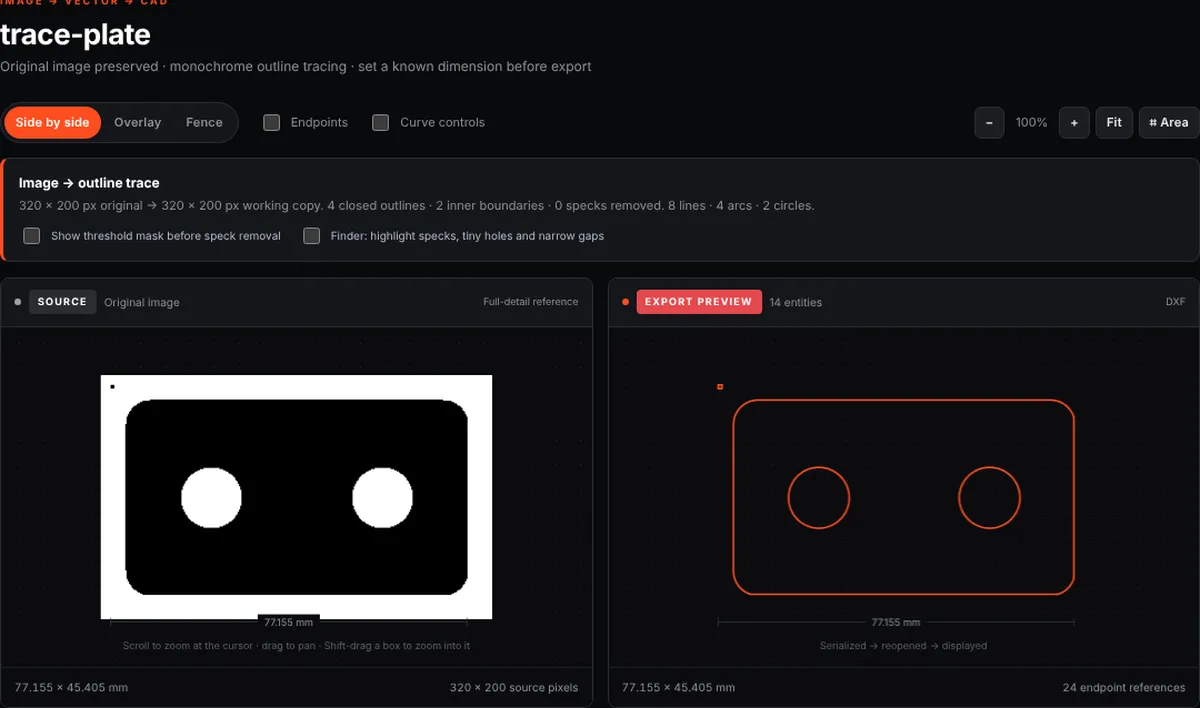
Photos and scans up to 40 megapixels trace locally into outlines with circles and arcs recognised. Paint or erase on the mask to fix a speck or bridge a broken stroke; the Finder points at tiny holes and narrow gaps before you export.
Calibrate by tapping two points a known distance apart, and the whole trace scales to real millimetres.
The right pane is not a preview — it is the exported file, reopened and drawn. Scroll to zoom around the cursor, or drag a box to fill the pane with it; both panes move together.
Overlay and fence views put source and export on top of each other for a last check.
Drop a folder of converter files. Each gets name-reduced.dxf plus one summary sheet of counts and checks. Files the app can't process are listed with the reason, never half-written.
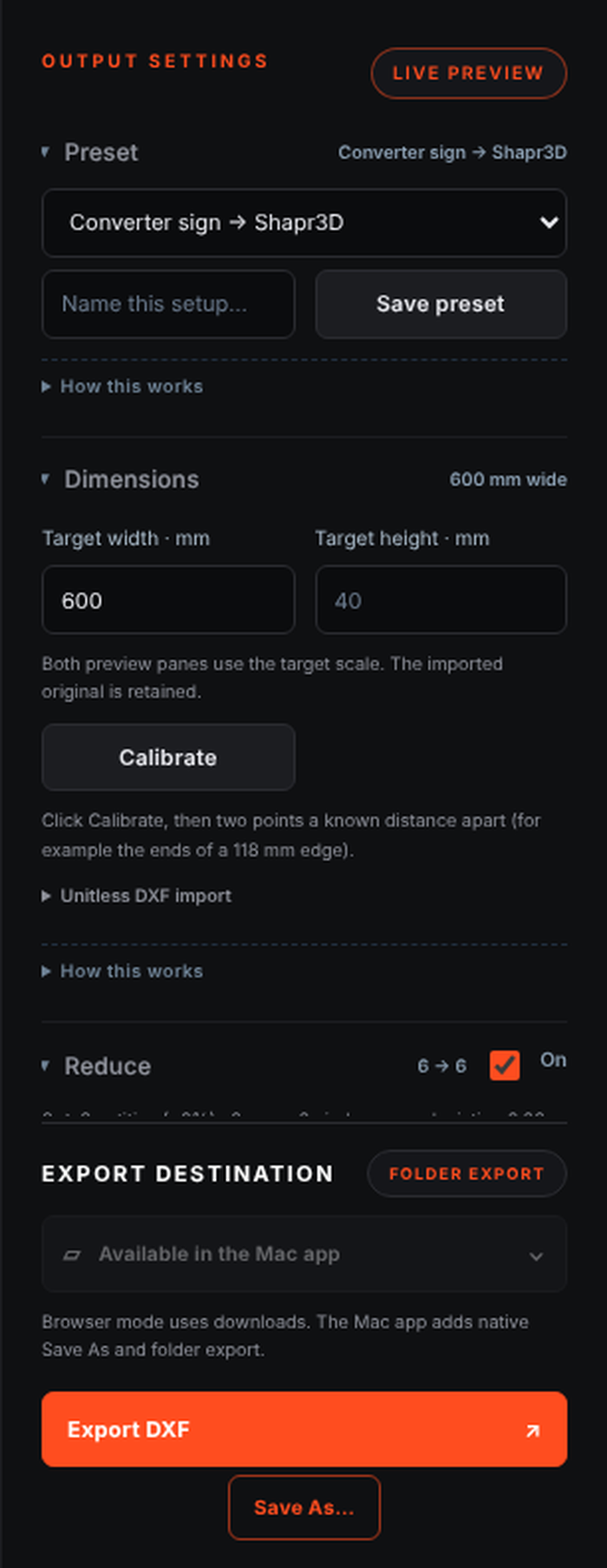
One pick fills size, tolerance, curves, merging, placement, format and the export folder. Save your own; they travel as a small JSON file.
Every setting folds to a one-line status. Open what you need, the app remembers. Explanations live a tap away, never in the way.
The following results are reported in the supplied v0.18–v0.19 product handoff. They describe specific test files and imports, rather than a guarantee for every drawing.
| What | Result |
|---|---|
| Freefall wordmark, 3 colours, 300 mm, 0.1 mm | 3,825 → 280 entities (251 with smooth curves) · 1,514 duplicates merged · 0 crossings · 0 touches · 0 open ends |
| Futurescape Media logo (Illustrator blocks + splines + fills) | 1,331 spans → 445 exact curves · 54 closed boundaries · 0 crossings · 0 touches · 0 open ends |
| DJ Freefall logo, 3 colours, borders merged | 5,388 → 279 entities · 2,177 duplicates merged · planar |
| A ten-colour converter sign (customer artwork, not shown) | 15,752 → 1,835 entities · 0 crossings · 0 touches · 0 open ends |
| Reduced compass in Shapr3D | Imported, selected as 1 face, extruded 3 mm to a body |
| Reduced compass in Fusion | Inserted as one sketch, 1 profile 57,702 mm², extruded to a body |
| Smooth-curve DXF in Shapr3D | Imported, 0 unsupported layers |
| Automated checks per release | 182 geometry/tracing · 55 browser · 41 tracing-browser · ezdxf audit 0 errors |
Universal app for Apple silicon and Intel, macOS 13 or later. Remembers your export folder; opens files from iCloud Drive.
Same app, touch controls, pinch to zoom, Files app for import and export. Batch and presets included.
No account, no upload, no cloud tracing. Your originals are never changed; every export is a new file.
Ask about the Mac release Free, from Human Freefall. Public download link pending. Mac build is ad-hoc signed and not notarized. iPad/iPhone builds currently require Xcode signing; TestFlight is not available yet.