Foundations
- Sound & frequency
- Gain & headroom
- Bit depth & sample rate
Learn how audio behaves by seeing it: change a control, hear the A/B difference, and watch the waveform, spectrum, spectrogram and meters respond in the same window.
Explore 21 labs ↓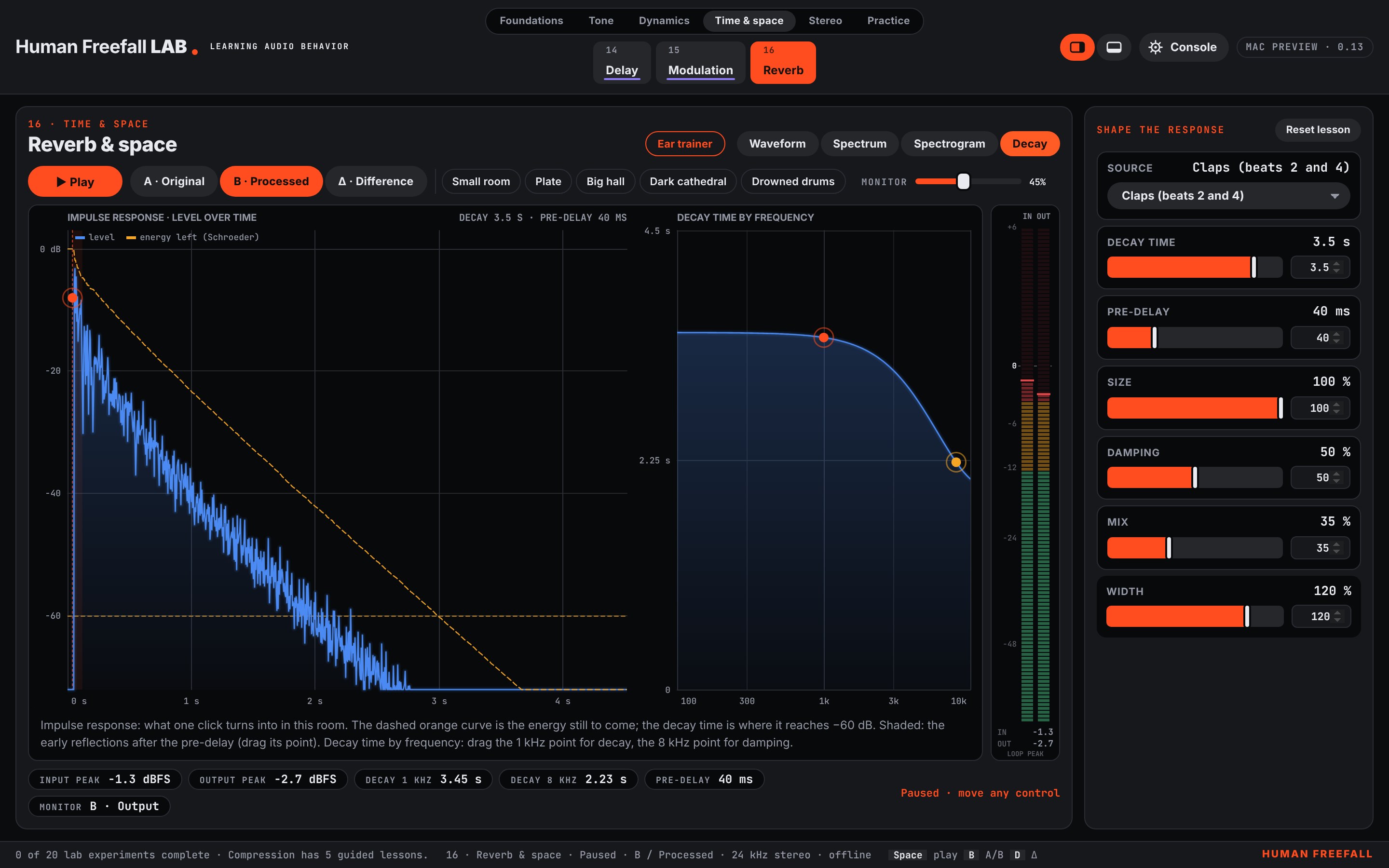
Start with the foundations or explore the process you want to understand.
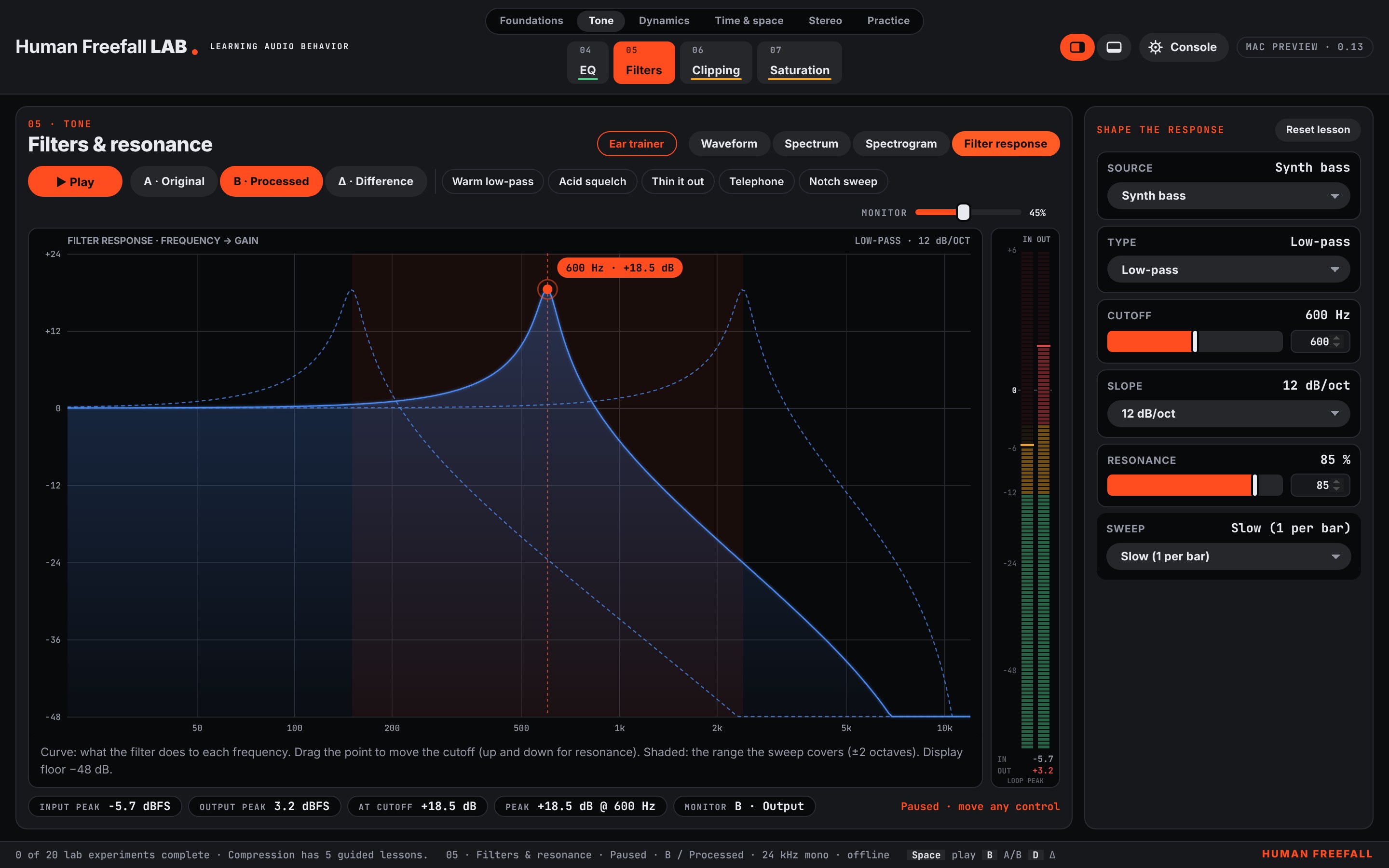
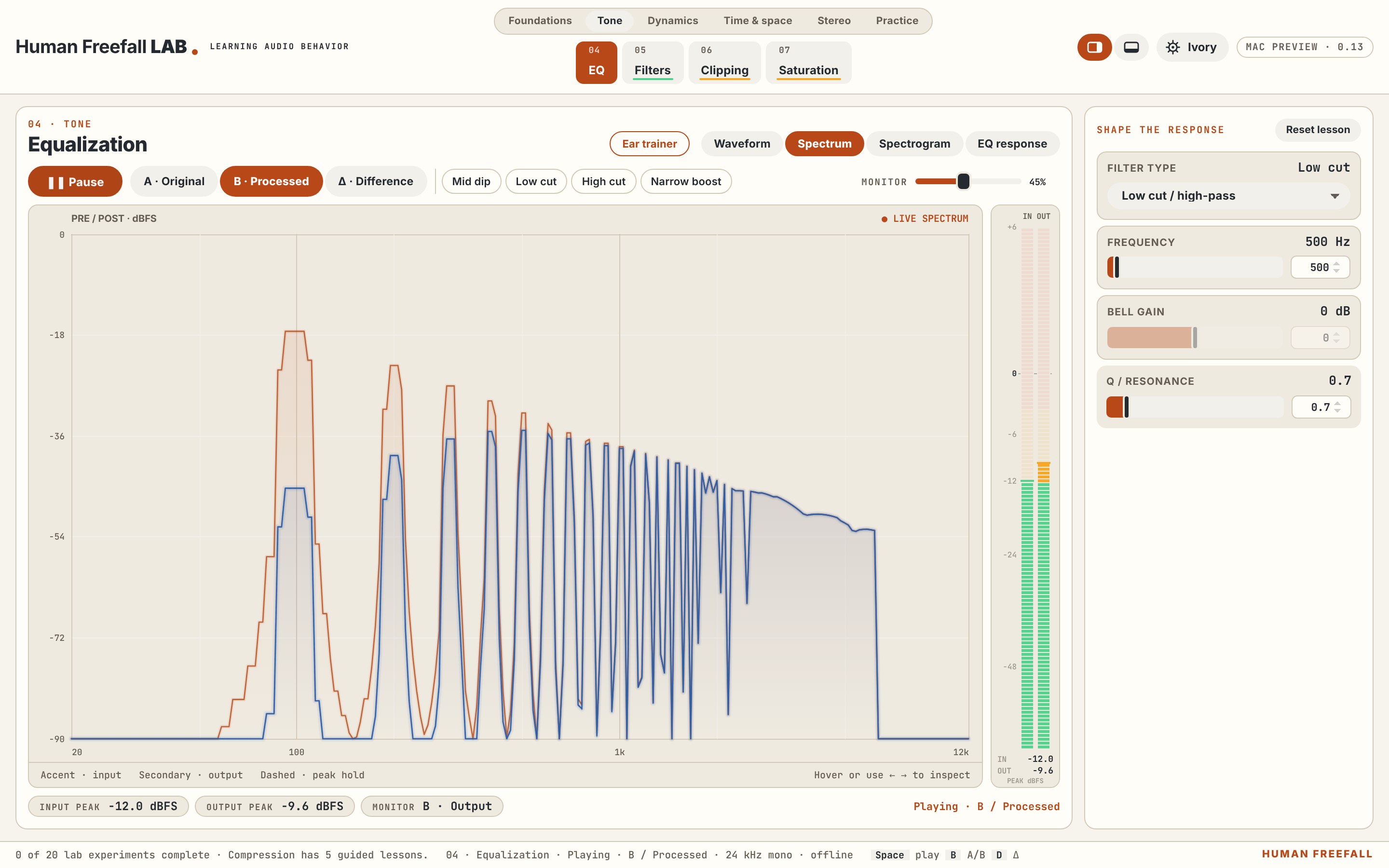
Drag EQ frequency and gain, scroll for Q, shape filter cutoff and resonance, move delay echoes, adjust reverb decay and pre-delay, and set compressor threshold and ratio directly on the graphs. Fix the mix adds draggable low-cut, bell and shelf controls.
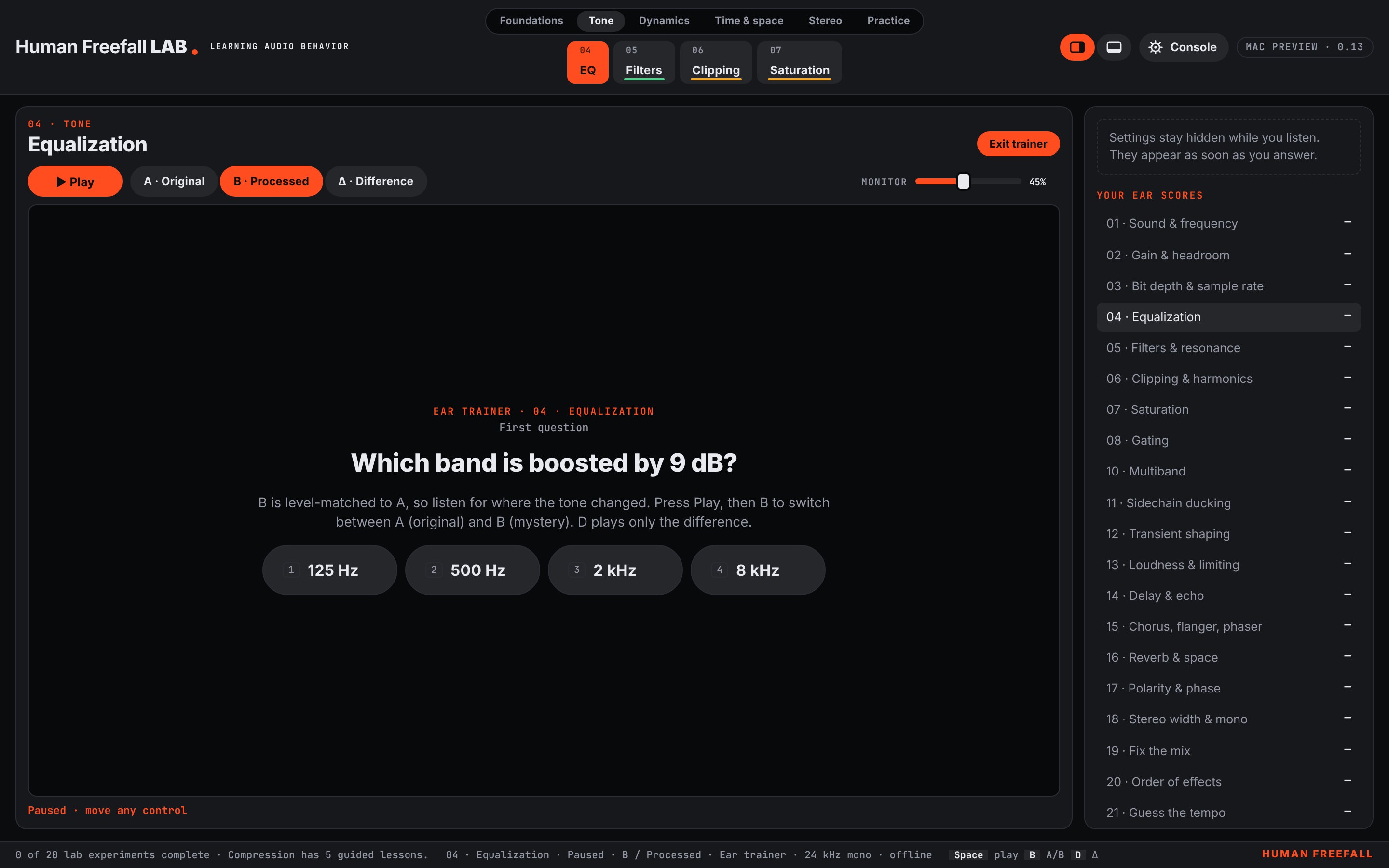
A blind quiz in twenty labs: hear the original and mystery version, guess the setting, then reveal the answer on the scopes. Scores and streaks save per lab.
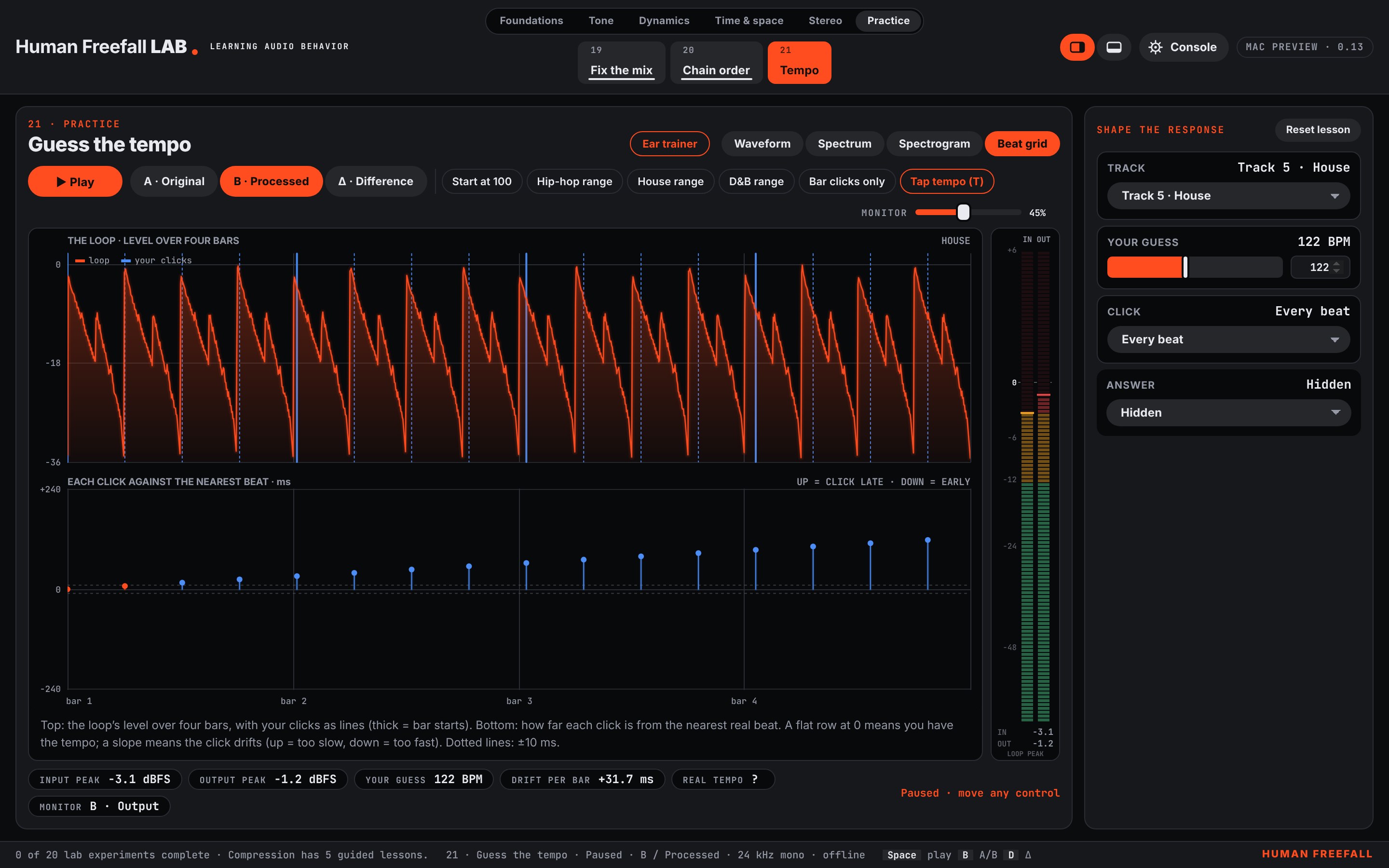
Guess the tempo of eight built-in loops, from lo-fi hip-hop and reggaeton to house, techno and drum & bass. Tap along, then fine-tune until the click locks to the beat.
Fix a broken copy of a reference mix until the match score reaches 100%. Compare two effect orders side by side, including the classic gated snare.
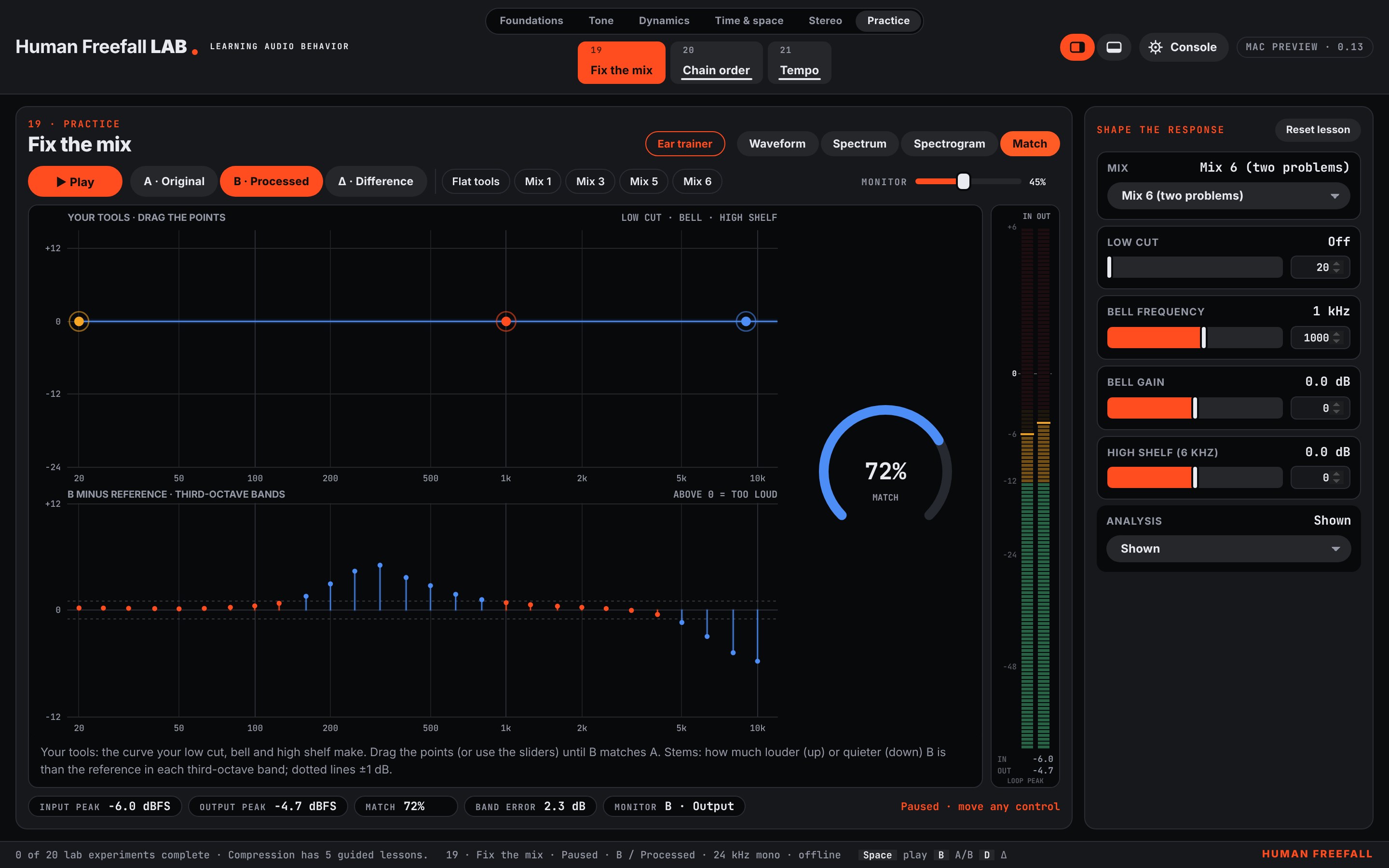
Choose Console or Ivory, six accent colors, and controls on the right or along the bottom. Fully offline: no account, microphone or network.
Mac with Apple silicon (M1 or newer), macOS 13 Ventura or newer. The Mac build is not notarized yet. No public download is available.
Ask to join the tester list ↗An educational listening environment, not a real-time VST3/AU plug-in. Effects are teaching designs, not models of named hardware. Loudness measurements use short teaching loops and are not a certified meter. Guess the tempo uses built-in loops, not your music library. No public mobile or web release is available.